When you need to manage employee payments, having a Salary Slip Printable Form For Employees can make your life a lot easier. This form provides a clear, organized structure to present salary details, deductions, and other essential financial information. In this guide, I’ll walk you through the steps to effectively utilize and personalize your salary slip, ensuring it meets your specific needs.
Understanding the Salary Slip Printable Form
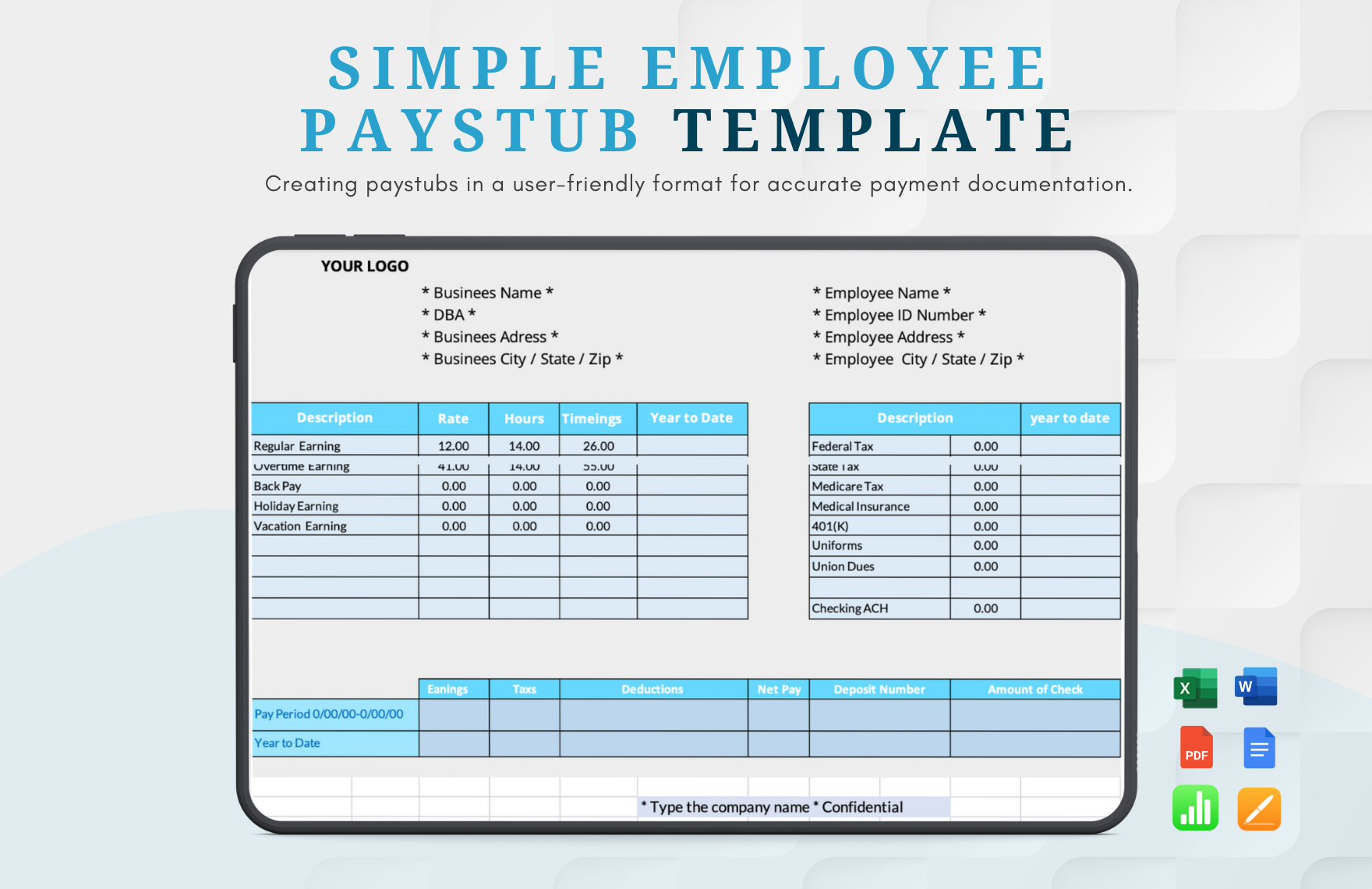
A salary slip is an important document that outlines an employee’s earnings for a specific period. It typically includes details such as gross salary, deductions, net pay, and other relevant information like tax contributions and benefits. Using a printable form allows for easy customization and ensures that you keep track of your financial records accurately.
Key Components of a Salary Slip
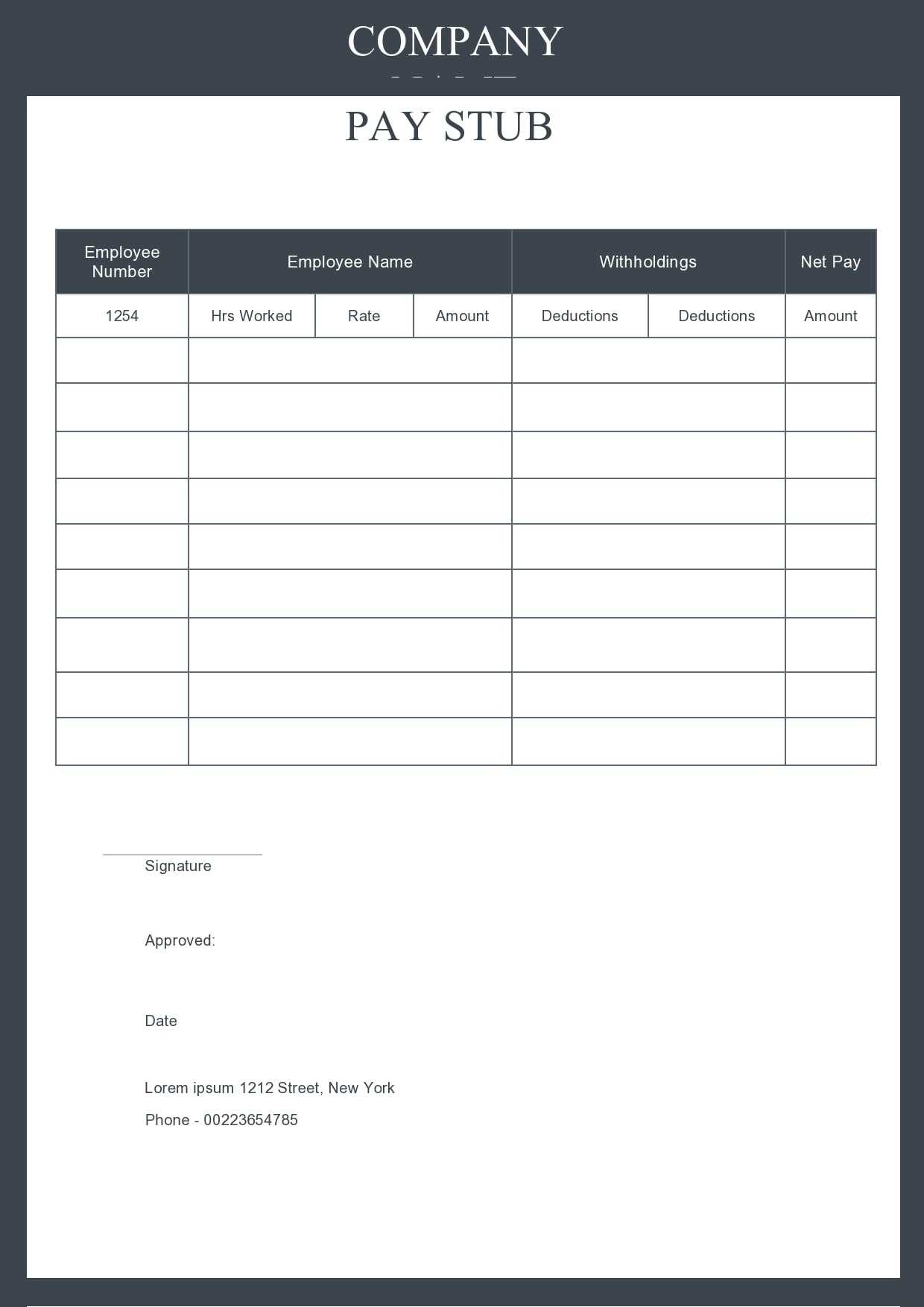
To make the most out of your Salary Slip Printable Form, it’s essential to understand its key components:
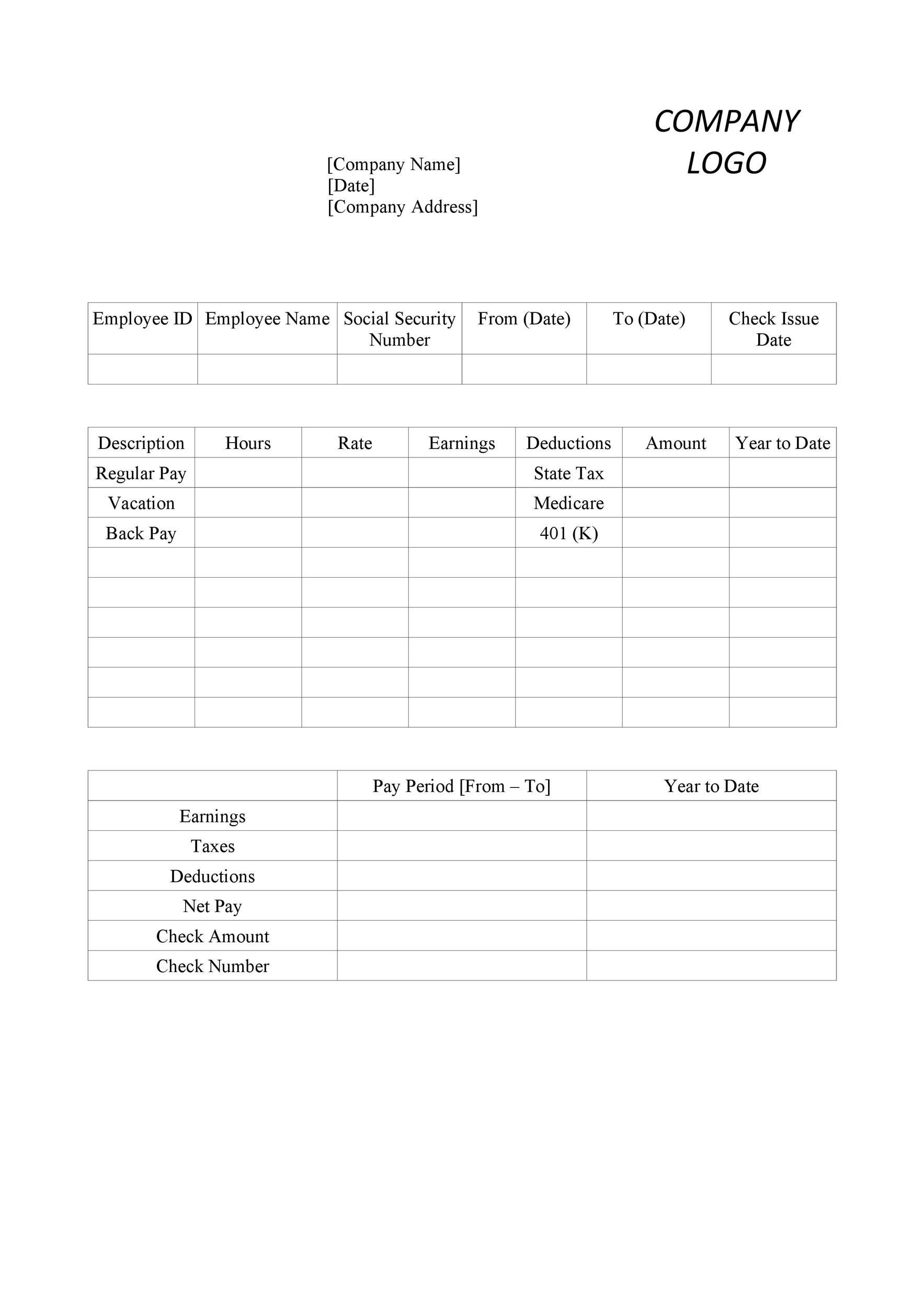
- Employee Information: Name, designation, and employee ID.
- Salary Breakdown: Gross salary, allowances, and bonuses.
- Deductions: Taxes, insurance, and any other withholdings.
- Net Pay: The final amount the employee receives after deductions.
- Payment Period: The specific month or timeframe for which the salary is being paid.
Understanding these components will help you fill out the form accurately, ensuring that all necessary information is included.
Preparing Your Salary Slip Printable Form
Now that you have a good grasp of what a salary slip includes, it’s time to prepare your form. Here’s a step-by-step guide:
- Download the Template: Look for a reputable source that offers a Salary Slip Printable Form. Ensure it’s in a user-friendly format, such as PDF or Word, for easy editing.
- Choose a Suitable Layout: Consider the layout that works best for your needs. Portrait orientation is typically preferred for printed documents, as it fits well on standard A4 size paper (8.27 x 11.69 inches).
- Fill in Employee Details: Start by adding the employee’s information at the top of the slip. This personalization is crucial for record-keeping and future reference.
- Add Salary Information: Input the gross salary, any allowances, and bonuses in their respective fields. Be precise to avoid confusion.
- Calculate Deductions: Include all deductions applicable to the employee. This may involve calculating taxes based on local regulations, which can vary widely.
- Determine Net Pay: Subtract the total deductions from the gross salary to arrive at the net pay. Double-check your calculations to ensure accuracy.
- Review and Print: Before printing, review the slip for any errors. Once everything looks good, print it on a suitable paper. For durability, consider using heavier paper or cardstock, especially if the slip will be distributed physically.
Digital Vs. Print Completion
When it comes to filling out your Salary Slip Printable Form, you have two options: digital completion or printing and writing by hand. Each has its pros and cons:
Digital Completion
- Convenience: Filling in a fillable PDF form allows for quick adjustments and easy sharing via email.
- Professional Appearance: Digital forms tend to look more polished and are less prone to errors caused by handwriting.
- Save Time: You can quickly adjust amounts without having to print multiple copies.
Handwritten Completion
- Personal Touch: Handwriting can add a personal touch, which might be appreciated in smaller companies or for informal settings.
- No Technology Required: This option is handy if you don’t have access to a computer or printer at the moment.
Choosing between these options depends on your specific situation and preferences. If you have access to technology, digital completion is often more efficient.
Tips for Effective Salary Slip Management
To ensure that your salary slips are effective and serve their purpose, consider these best practices:
- Keep Records: Maintain a copy of each salary slip issued for your records. This is particularly important for tax purposes and future reference.
- Use Clear Language: Avoid jargon and ensure that the terms used in the slip are easily understandable for the employee.
- Regular Updates: Update the slip format as needed to reflect changes in tax laws, company policy, or formatting preferences.
By following these practices, you can enhance the utility of your Salary Slip Printable Form and ensure that it meets both your needs and those of your employees.