An Editable Printable Withdrawal Slip Form is a practical tool for small businesses that need a structured way to handle financial transactions. This form simplifies the process of requesting withdrawals from bank accounts or internal funds. Understanding how to prepare this form, what information is required, and how to effectively use it is crucial for business owners and payroll administrators.
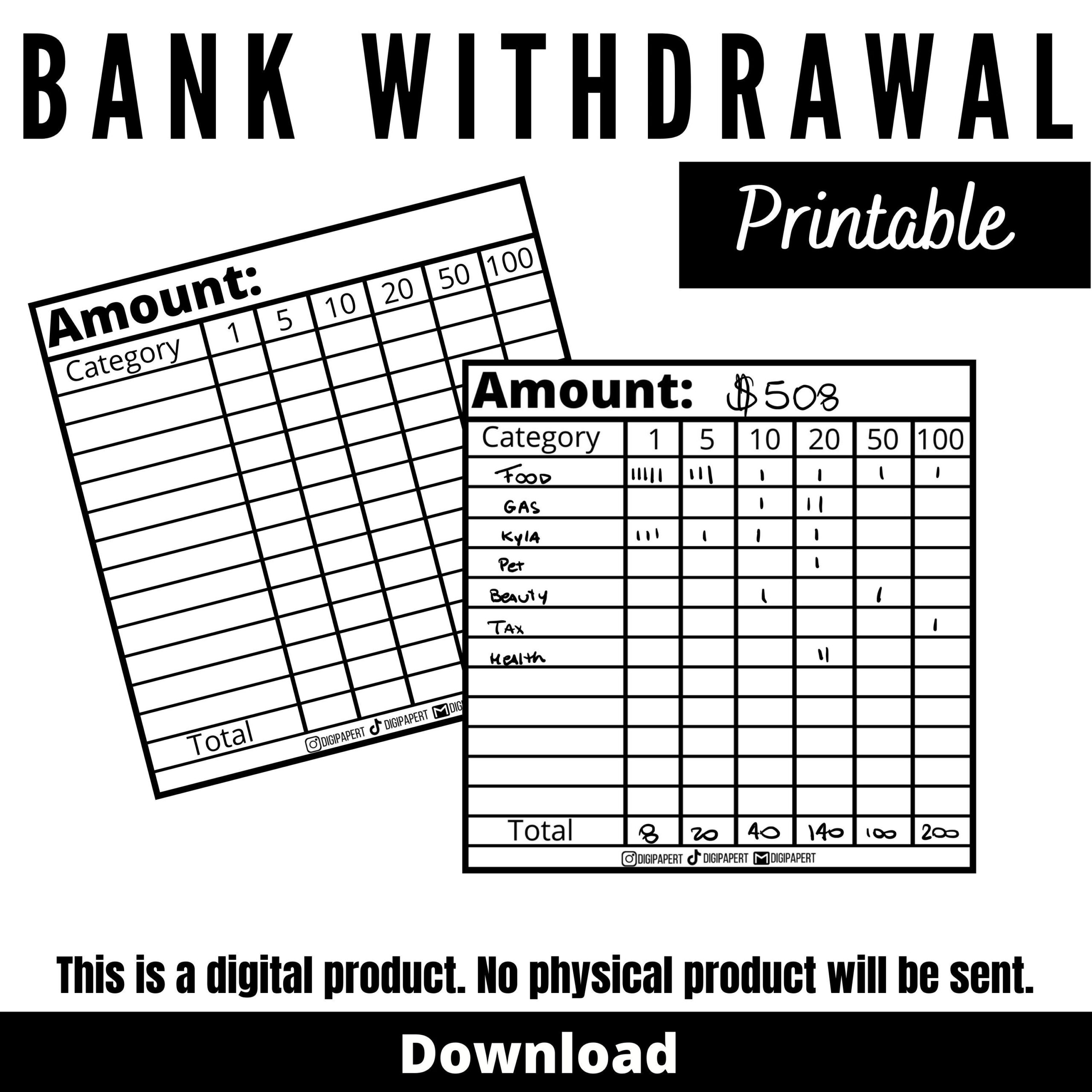
Understanding the Purpose of the Withdrawal Slip Form
The primary purpose of an Editable Printable Withdrawal Slip Form is to provide a clear and organized method for documenting withdrawal requests. Whether it’s for cash withdrawals or transferring funds between accounts, this form serves as a formal record. It helps maintain transparency and accountability in financial dealings, which is essential for any small business.
Using this form can prevent misunderstandings and disputes regarding withdrawals, ensuring that all parties involved are on the same page. Keeping accurate records of financial transactions is not just good practice; it can also aid in maintaining compliance with financial regulations.
Preparing to Fill Out the Withdrawal Slip Form
Before diving into filling out the Editable Printable Withdrawal Slip Form, gather all necessary information. This preparation streamlines the process and reduces the chances of errors. Here’s what you typically need to have ready:
- Business Name: The official name of your business or organization.
- Account Information: This includes the account number from which funds will be withdrawn.
- Withdrawal Amount: Specify the exact amount you wish to withdraw.
- Date of Withdrawal: The date when the withdrawal is being requested or processed.
- Purpose of Withdrawal: A brief description of why the funds are being withdrawn, which can be helpful for record-keeping.
- Authorized Signatures: Depending on your business’s policies, the form may need to be signed by an authorized person.
Having this information at hand not only makes completing the form easier but also provides clarity for anyone reviewing the request later.
Key Fields on the Withdrawal Slip Form
Understanding the specific fields on the Editable Printable Withdrawal Slip Form can help ensure that all necessary information is captured accurately. Here are the key fields typically found on this form:
Business Information
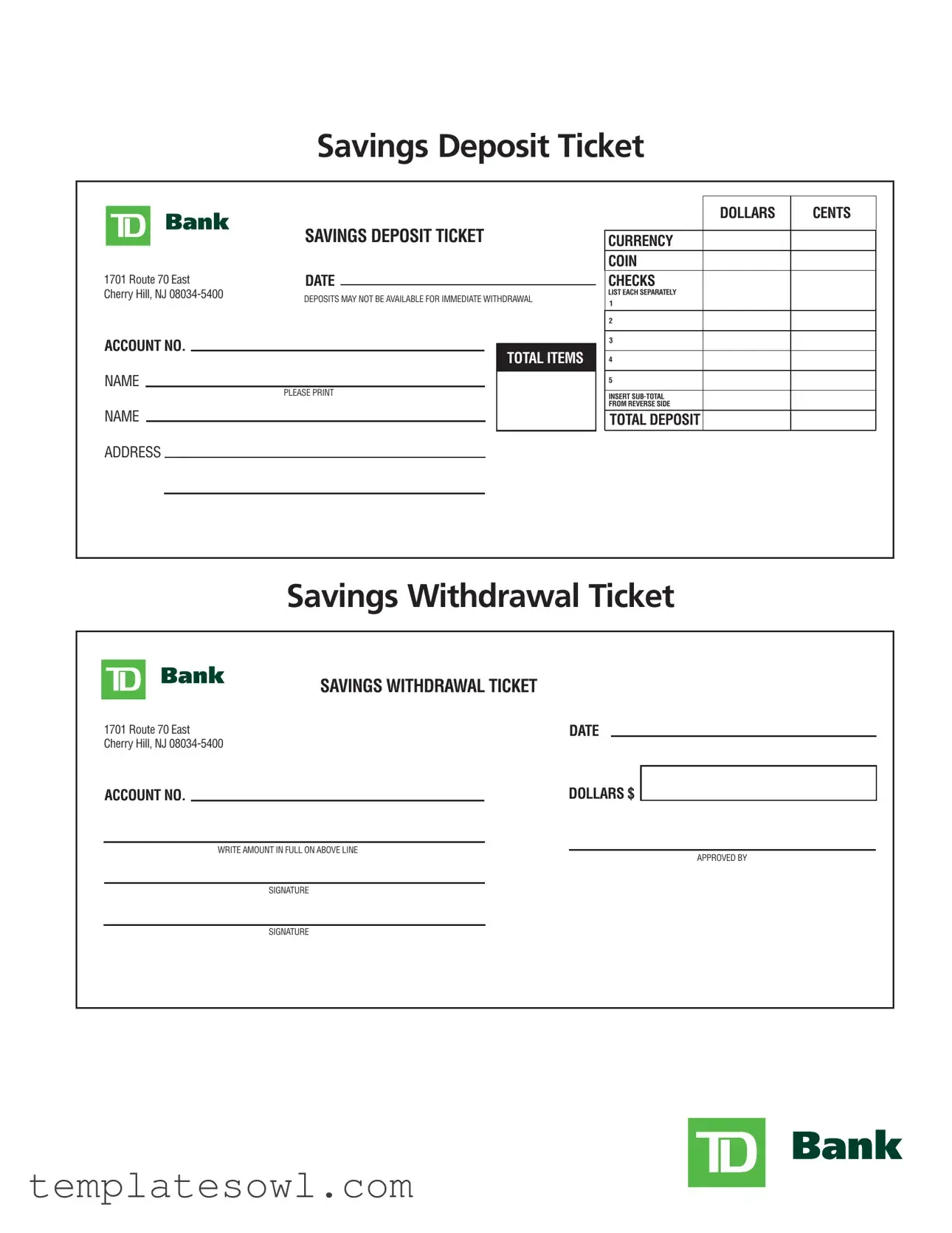
- Business Name: Clearly state the name of your business.
- Contact Information: Provide a contact number or email in case further clarification is needed.
Account Details
- Account Number: Include the specific account number from which the withdrawal is being made.
- Bank Name: If applicable, mention the bank or financial institution.
Withdrawal Details
- Amount: Write the total amount of money to be withdrawn.
- Date: Indicate the date of the transaction.
Signatures
- Prepared By: The person filling out the form should sign here.
- Authorized Signature: This section is for the signature of a person who is authorized to approve the withdrawal.
Tips for Using the Editable Printable Withdrawal Slip Form
Once the Editable Printable Withdrawal Slip Form is filled out, it’s essential to handle it correctly. Here are some practical tips for effective use:
- Double-Check Entries: Review the form for any mistakes before submission. Errors can lead to delays or complications in processing the withdrawal.
- Keep Copies: Always make a copy of the completed withdrawal slip for your records. This documentation can be invaluable in case of disputes or audits.
- Use Clear Handwriting: If filling out the form by hand, ensure that all information is legible. This reduces the risk of misinterpretation.
- Follow Internal Procedures: Make sure to adhere to your business’s internal policies regarding withdrawals. This may include who must approve the withdrawal and how it is submitted to the bank.
Choosing the Right Format for Your Needs
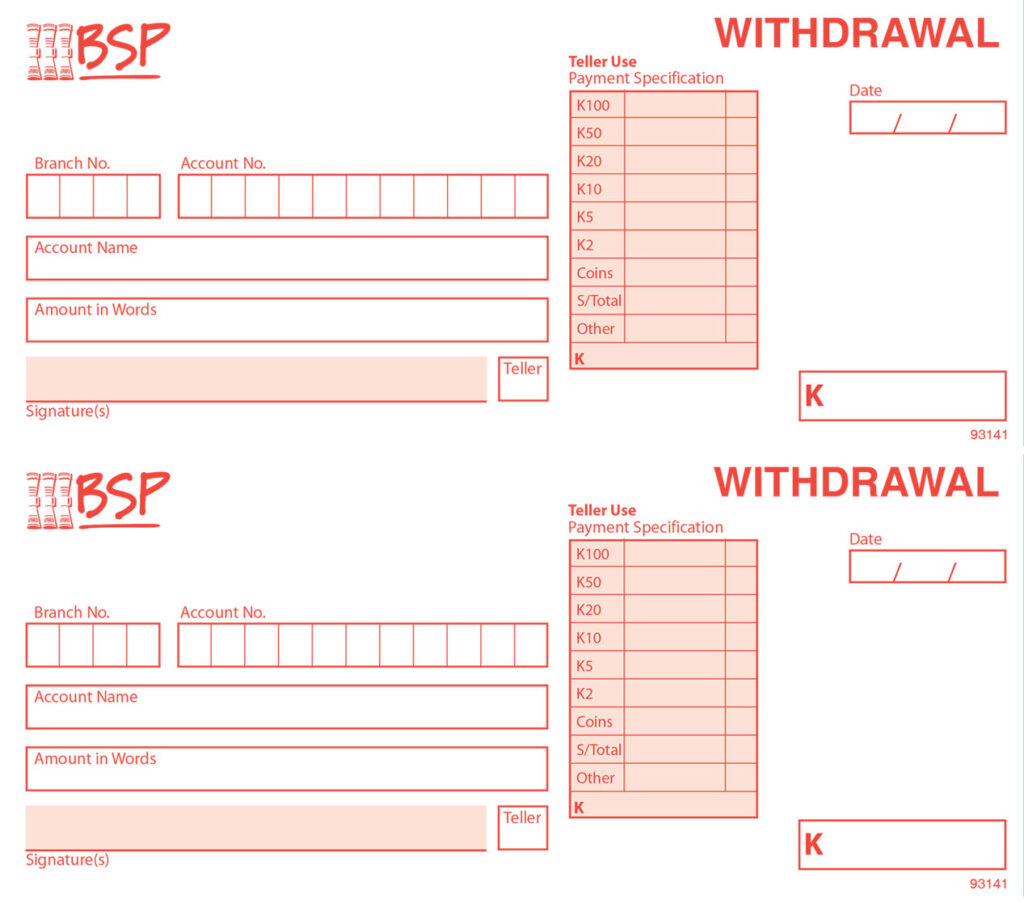
When downloading the Editable Printable Withdrawal Slip Form, consider the format that best suits your needs. PDF files are often recommended for their consistency across different devices and printers. They preserve the layout and design, ensuring that the form looks the same whether viewed on a screen or printed out.
Alternatively, if you prefer to edit the form directly before printing, look for an editable Word document format. This allows for customization, enabling you to add specific details or notes as needed.