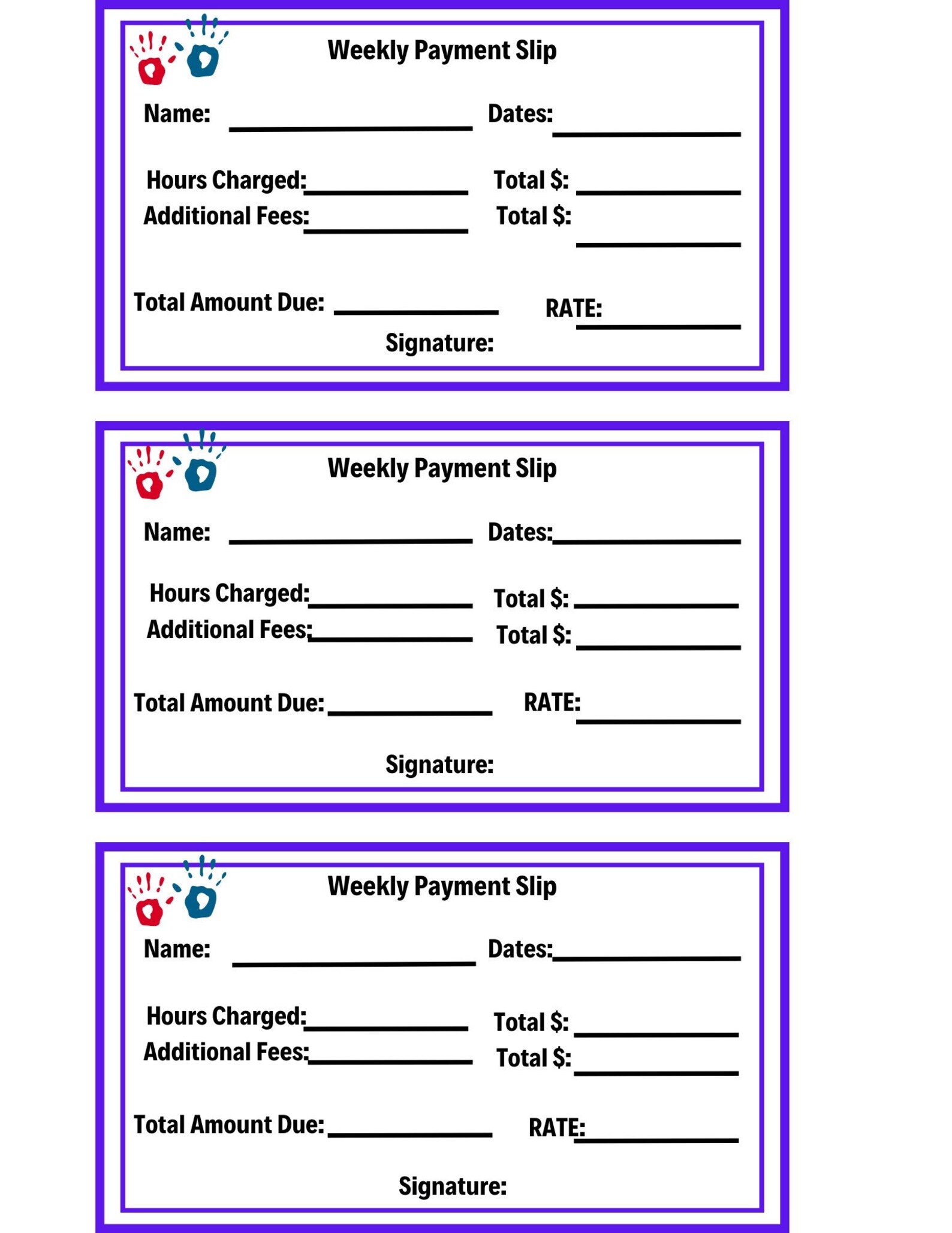
Using a payment slip is crucial for small businesses that need to manage transactions efficiently. A Fillable Printable Payment Slip With Date Field offers an organized way to keep track of payments, making it easier to reconcile accounts and provide clear records to clients. This resource can significantly streamline your payment processes, ensuring that every transaction is documented accurately.
Understanding the Fillable Printable Payment Slip
Before diving into how to use the payment slip, it’s essential to understand what it is. This payment slip typically includes sections for the date, payee information, amount due, and purpose of payment. The date field is particularly important as it helps maintain a chronological record of transactions, which can be invaluable during audits or financial reviews.
Why Use a Fillable Format?
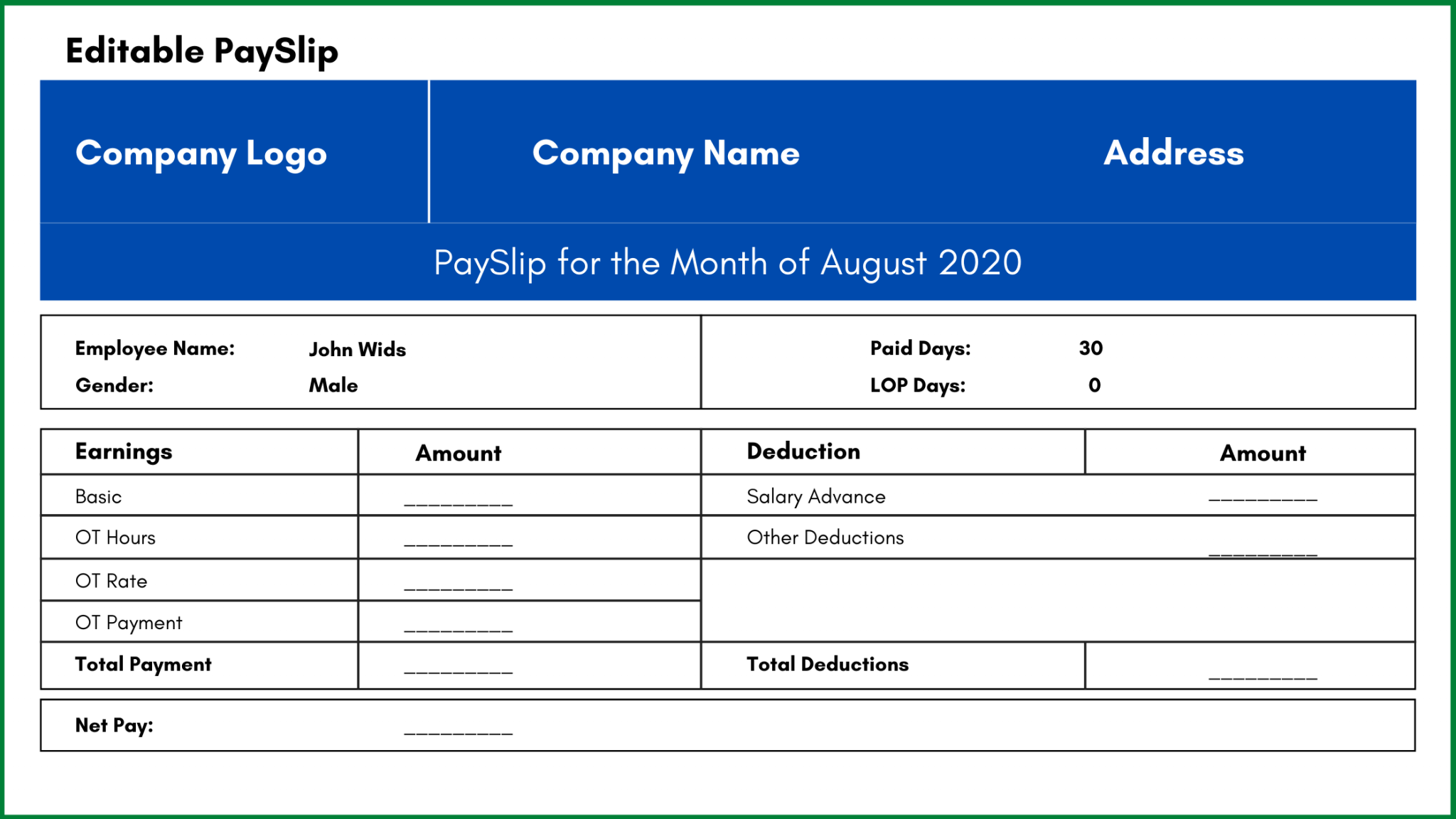
Fillable formats allow you to enter information directly into the document before printing. This feature is beneficial because it minimizes handwriting errors and ensures that all necessary details are included. Additionally, you can save the filled-out slip for future reference, making it easier to track past payments.
Downloading Your Payment Slip
Finding a reliable source to download your Fillable Printable Payment Slip With Date Field is the first step. Look for websites that specialize in printable resources, ensuring they provide quality templates. Once you find a suitable template, follow these steps:
- Select the Template: Choose the payment slip that best meets your business needs. Consider factors like layout and design.
- Download the File: Ensure the file format is compatible with your device. PDF files are often preferred for this kind of resource, as they preserve formatting across different systems.
- Open the Document: Use a PDF reader or a compatible program that allows for filling in fields.
Printing Your Payment Slip
Once you’ve filled in the necessary details, it’s time to print. Here’s how to ensure the best results:
- Choose the Right Paper: Standard printer paper works well for most purposes, but if the slip will be given to clients, consider using heavier cardstock for a more professional feel.
- Adjust Settings: Set your printer to the correct paper size. Most payment slips are designed for letter (8.5” x 11”) or A4 size.
- Check Print Quality: Use a high-quality setting to ensure that all text is clear and legible. This step is especially important for the date field, as it must be easy to read.
Using the Payment Slip Effectively
After printing, it’s time to put your Fillable Printable Payment Slip With Date Field to use. Here are practical steps for effective implementation:
- Fill Out the Slip: Include the date, amount, payee, and purpose of payment. Make sure all information is accurate.
- Distribute Accordingly: Hand the filled slip to the payer or keep it for your records. If necessary, make copies for your files.
- Organize Your Records: Store completed slips in a dedicated folder, either digitally or physically, to ensure easy access for future reference.
Best Practices for Payment Slips
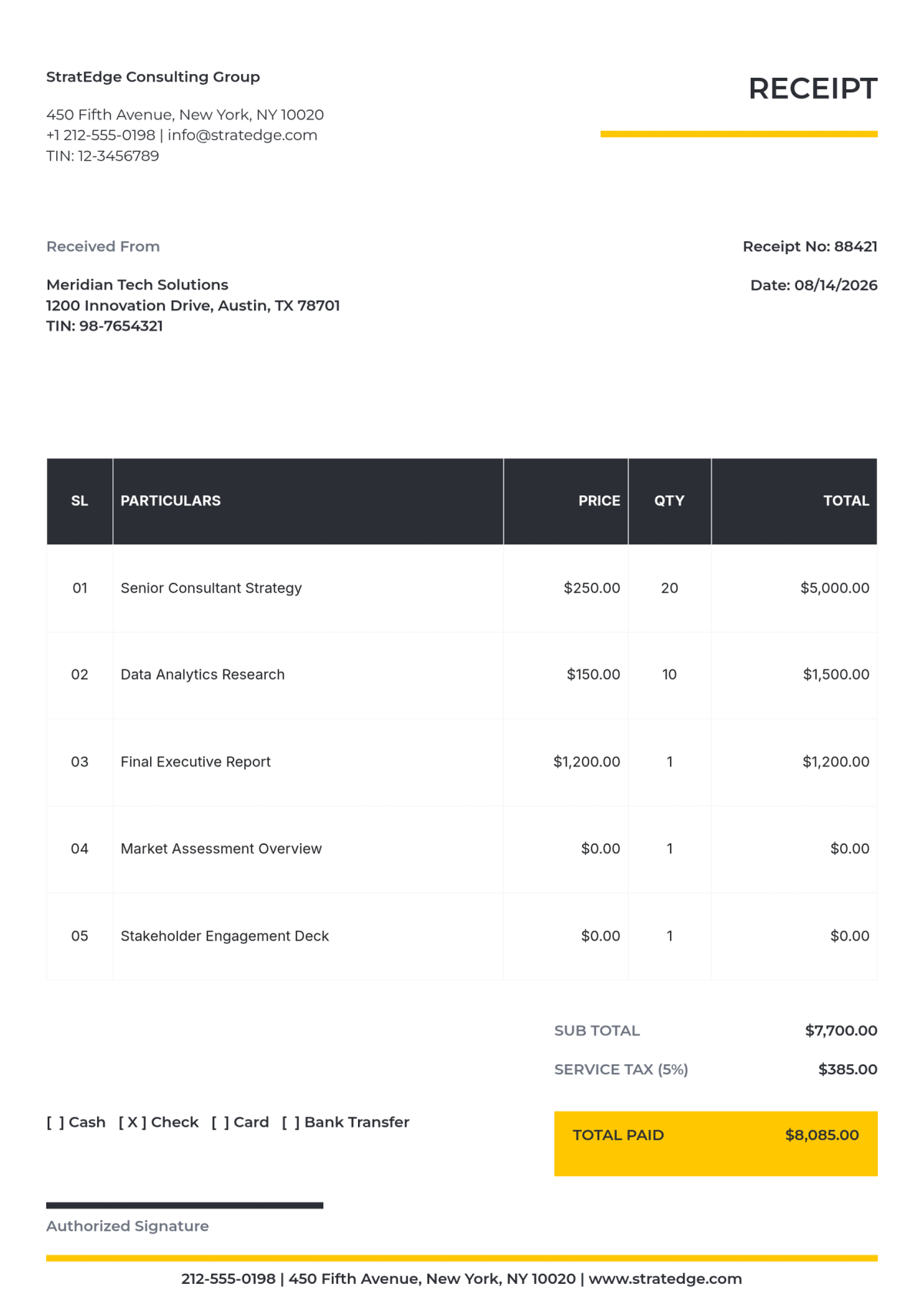
To maximize the benefits of using a payment slip, consider these best practices:
- Regular Updates: Regularly update your payment slip template to reflect any changes in your business’s payment procedures or branding.
- Digital Copies: Store digital copies of completed slips for easy retrieval and backup.
- Training Staff: If applicable, train your staff on how to fill out and use payment slips correctly to ensure consistency across transactions.
One immediate action to take is to download a fillable payment slip template today and customize it for your business needs. This simple step can enhance your financial tracking and improve your overall organization.