When you’re looking to streamline your shipping process, a Professional Printable Delivery Slip Template can be a real useful option. This template allows you to create clear, professional delivery slips that enhance organization and help ensure that your packages arrive at their destinations without a hitch. If you are a small business owner, a busy parent, or just someone who frequently sends packages, understanding how to customize and use this template is essential.
Understanding the Delivery Slip Template
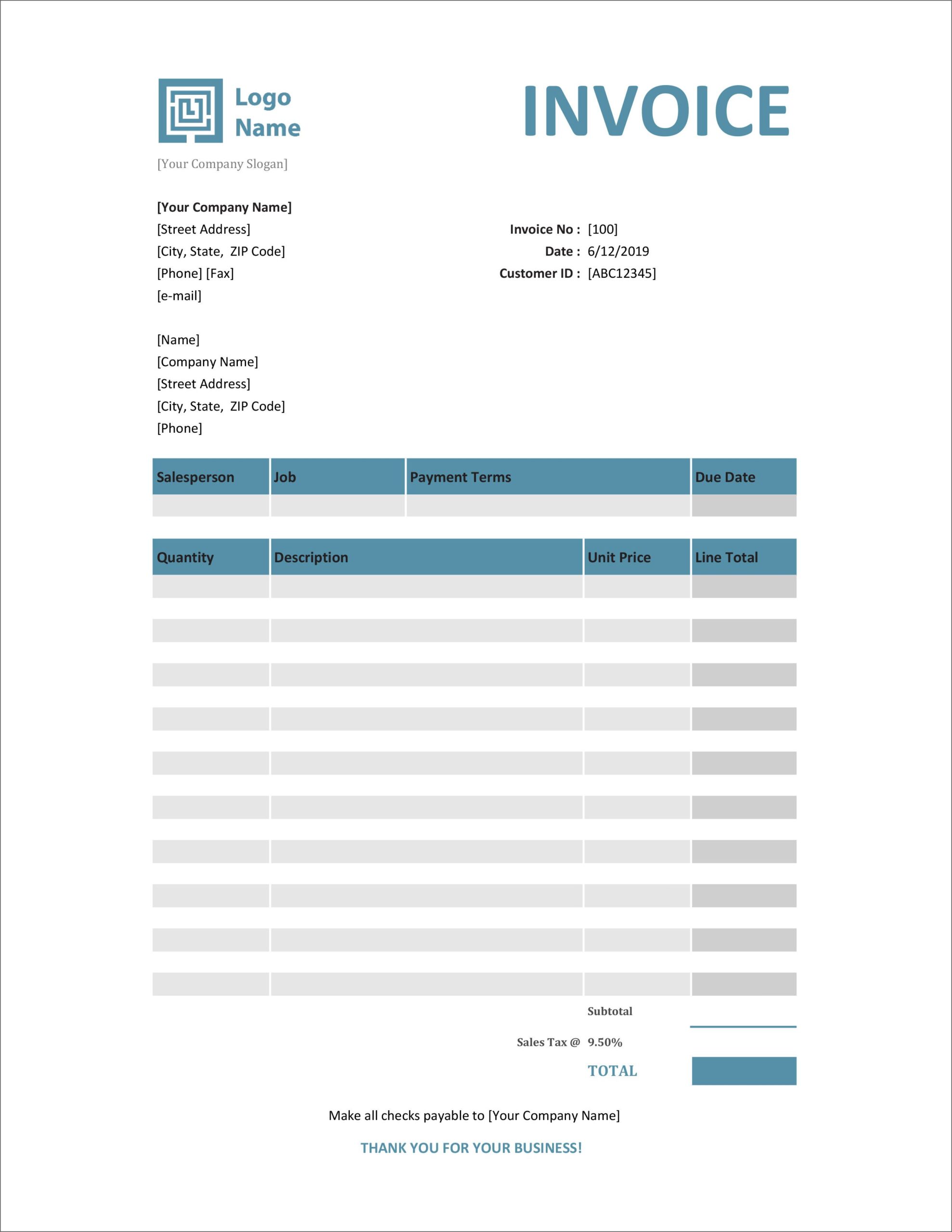
A delivery slip is a document that accompanies a package, listing the items inside and providing important information about the shipment. It serves as a receipt for the recipient and helps both the sender and recipient keep track of what was sent. A Professional Printable Delivery Slip Template offers a pre-designed format that you can easily fill in with your information.
You might find templates available in various formats, such as PDF or Word. PDFs are great for maintaining formatting across different devices and printers, while Word documents allow for easy editing. Choosing the right format depends on your specific needs and whether you prefer a fillable form or a static document.
Customizing Your Delivery Slip Template
One of the significant advantages of using a Professional Printable Delivery Slip Template is that it can be customized to fit your needs. Here are some common elements you might want to include:
- Sender Information: Your name, address, and contact details.
- Recipient Information: The recipient’s name, address, and contact details.
- Item Descriptions: A list of the items being sent, including quantity and any relevant details.
- Shipping Method: Specify how the package is being sent (e.g., standard, express).
- Tracking Number: If applicable, include a tracking number for easy reference.
When customizing, ensure that the text is clear and legible. Using a standard font like Arial or Times New Roman in a size between 10-12 points usually works well for readability.
Downloading and Printing Your Template
Once you’ve customized your Professional Printable Delivery Slip Template, it’s time to download and print it. Most templates will be available in a few common formats:
- PDF: This format is ideal for printing because it retains the layout and formatting, preventing any misalignment issues.
- Word Document: This is useful if you need to make further edits or changes before printing.
Printer Setup
Before printing, make sure your printer is set up correctly. Here are some tips:
- Paper Type: Use standard letter-sized paper (8.5 x 11 inches) or A4, depending on your region. For more durability, consider using cardstock.
- Print Settings: Choose the “Best” quality setting in your printer preferences to ensure that the text is sharp and clear. If your printer has options for borderless printing, disable it unless you want the slip to extend to the edges of the paper.
Preparing for Use
After printing, cut the delivery slip if necessary. If you’re using a larger sheet for multiple slips, a paper cutter can help you get clean edges. Ensure that the delivery slip is placed securely inside your package, ideally in a plastic sleeve or folder if the contents are fragile.
Practical Use Cases for Your Delivery Slip Template
A Professional Printable Delivery Slip Template is particularly useful in various situations:
- E-commerce Businesses: If you run an online store, having a professional delivery slip enhances your brand image and provides customers with a clear record of their purchases.
- Gift Sending: When sending gifts, a delivery slip can include a personal message, ensuring your recipient knows who sent the item.
- Returns: Including a delivery slip in return packages can help streamline the return process, making it easier for both you and the recipient.
Important Considerations
When using a delivery slip template, keep in mind the following:
- Privacy: Be cautious with the information you include. Ensure that sensitive data is only shared when necessary.
- Legibility: Always double-check that all text is legible and that there are no typos, as these can lead to confusion during delivery.
- Updates: If your contact information or business details change, remember to update your template accordingly.
By following these guidelines, you can effectively leverage a Professional Printable Delivery Slip Template to improve your shipping experience. This resource not only saves you time but also adds a level of professionalism to your deliveries, ensuring that everything runs smoothly and efficiently.