Managing payroll can be a daunting task, especially when it comes to maintaining clear and accurate records for each employee. A Business Printable Payment Slip For Employee Records can simplify this process significantly. This resource provides a structured way to document each payment issued to employees, ensuring both clarity and compliance with financial regulations. Let’s walk through how you can effectively download, print, and utilize this essential tool in your business.
Understanding the Importance of Payment Slips
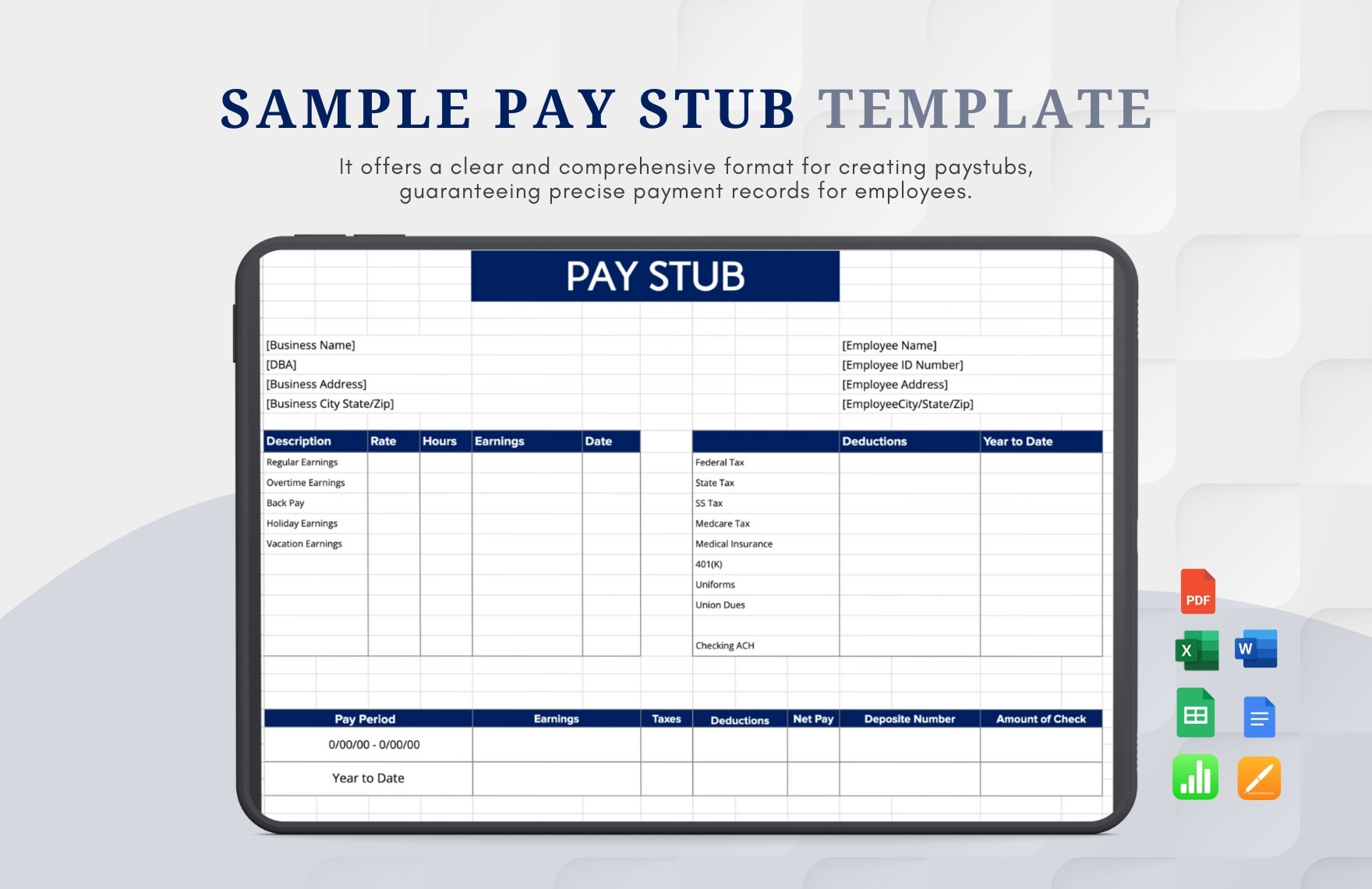
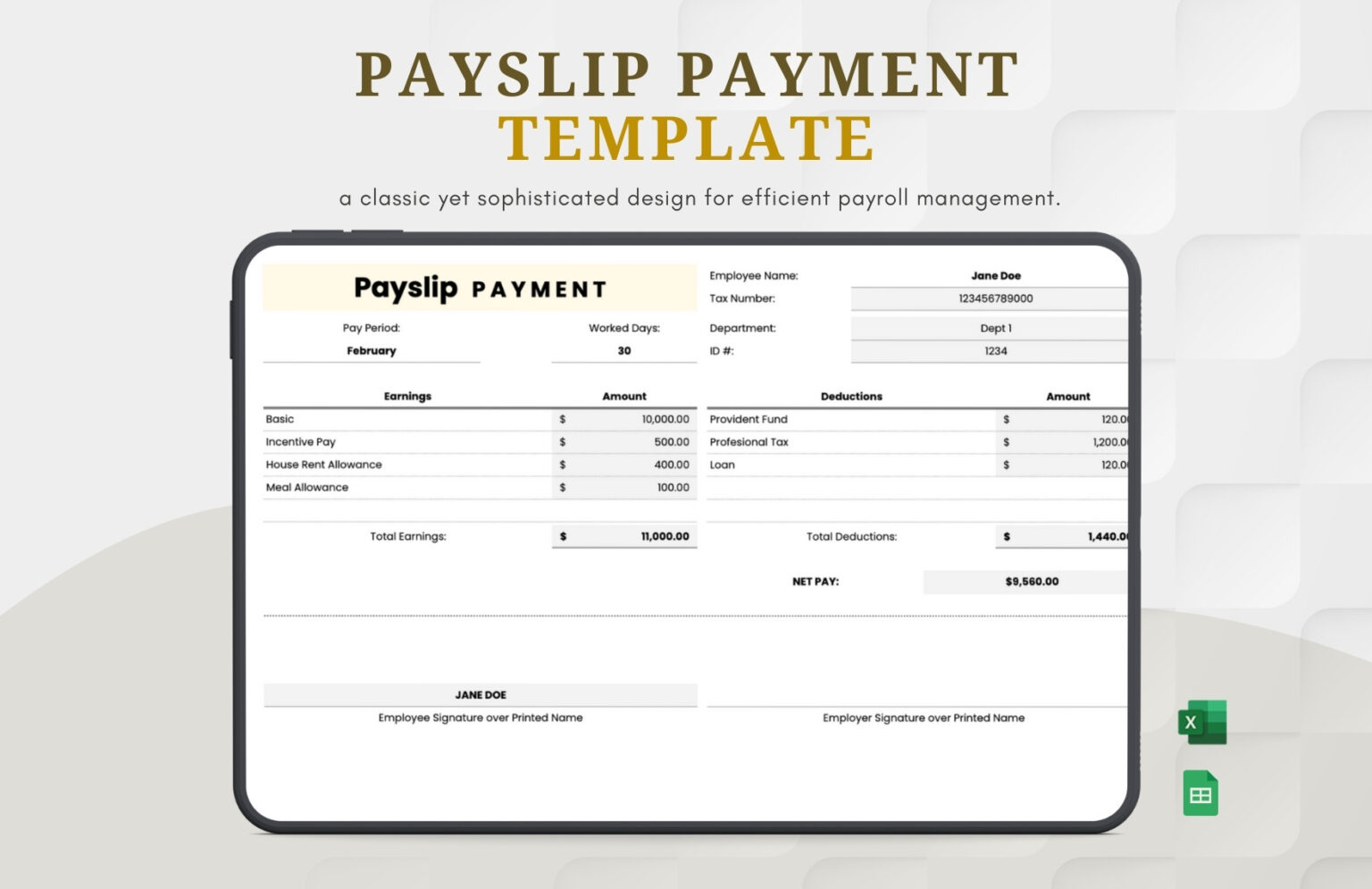
Payment slips are crucial for both employers and employees. They serve as proof of payment, detailing the amount paid, the date, and any deductions made. For employers, having a clear record helps in managing finances and complying with tax regulations. For employees, it provides transparency and accountability regarding their earnings.
Using a printable payment slip helps maintain organized records, making it easier to track payments over time. This can be invaluable during audits or when resolving payment disputes.
How to Download the Payment Slip
Downloading your Business Printable Payment Slip For Employee Records is straightforward:
- Visit the Resource Website: Head over to a reliable printable resource website that offers business forms and templates.
- Search for the Payment Slip: Use the search function to locate the payment slip template. Ensure it’s labeled clearly to avoid confusion with other documents.
- Select the Format: Most resources provide the payment slip in PDF format, which is recommended for printing. This format ensures that the layout remains intact.
- Click on Download: Once you find the right slip, click the download button. The file will typically be saved to your computer or device.
Make sure you have a PDF reader installed to open the document.
Printing the Payment Slip
Once you have downloaded the payment slip, it’s time to print it. Here’s how to ensure the best results:
- Choose the Right Paper: For a professional appearance, use standard A4 or letter-sized paper. If you want the slip to be more durable, consider using cardstock.
- Printer Settings: Set your printer to print in portrait orientation. This is the most common layout for payment slips and will ensure all information fits neatly on the page.
- Check the Print Preview: Before you print, always check the print preview. This helps you catch any formatting issues that might arise.
- Test Print: Print a test slip first. This allows you to confirm that everything appears as intended and that the ink is clear and readable.
Completing the Payment Slip
Now that you have your payment slip printed, it’s essential to fill it out correctly. Here’s what to include:
- Employee Details: Write down the employee’s name and employee ID (if applicable). This ensures that the slip is personalized.
- Payment Amount: Clearly state the gross payment amount before any deductions.
- Deductions: If there are any deductions (like taxes or benefits), list them separately. This transparency helps build trust.
- Net Payment: Show the final amount the employee will receive after deductions.
- Date: Always include the payment date. This will help in tracking payments over time.
- Signature: If required, add the signature of the authorized person who processed the payment.
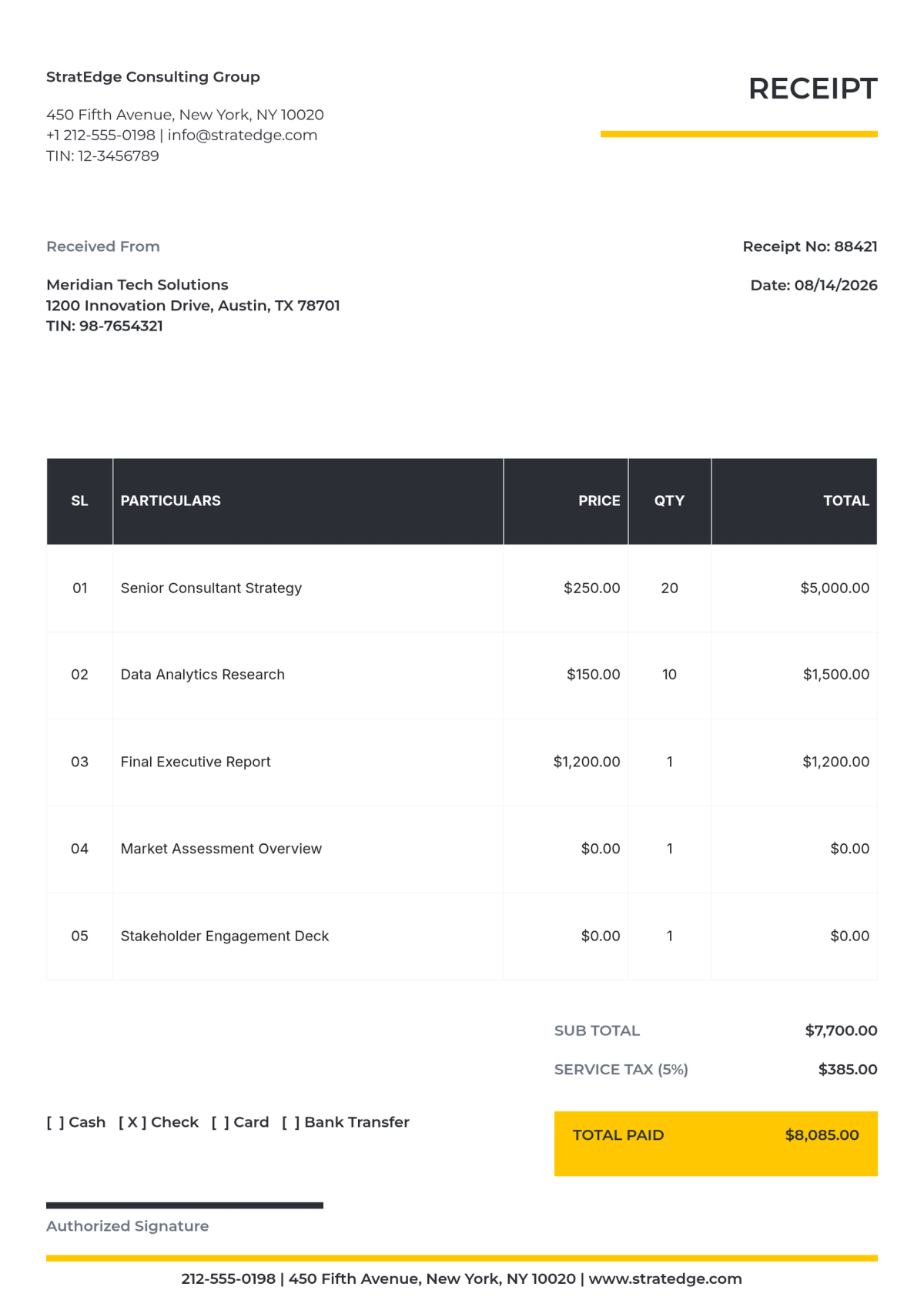
Completing these sections accurately helps maintain clear records and ensures that employees feel informed about their payments.
Maintaining Organized Records
After issuing the payment slip, it’s essential to store it properly. Here are a few tips for keeping your records organized:
- Create a Filing System: Use folders or binders to categorize payment slips by month or employee. This makes it easier to retrieve slips when needed.
- Digital Backup: Consider scanning each payment slip and saving it digitally. This provides a backup in case physical copies are lost or damaged.
- Regular Reviews: Set aside time each month to review your payment records. This ensures that everything is up-to-date and accurate.
By implementing these practices, you can streamline your payroll process and avoid potential issues down the line.
Using a Business Printable Payment Slip For Employee Records is a straightforward way to enhance your payroll management process. With the right tools and practices in place, you can ensure that both you and your employees are informed and organized. To get started, download your payment slip today and take the first step toward better financial tracking.